Showcase
This page highlights a few example visual outputs from IntegraPose. These samples are meant to show the range of workflows the app can support, not to imply that every project follows the same assay design.
Quick Tour
| Showcase area | What it demonstrates |
|---|---|
| Real-time overlays | Live or near-live visual feedback during tracking workflows |
| Rodent assay examples | Practical research-style behavior analysis outputs |
| Gait dashboard views | Downstream movement and kinematic summaries |
| Flexible video contexts | The same pipeline pattern applied across different recording styles |
Featured Demos
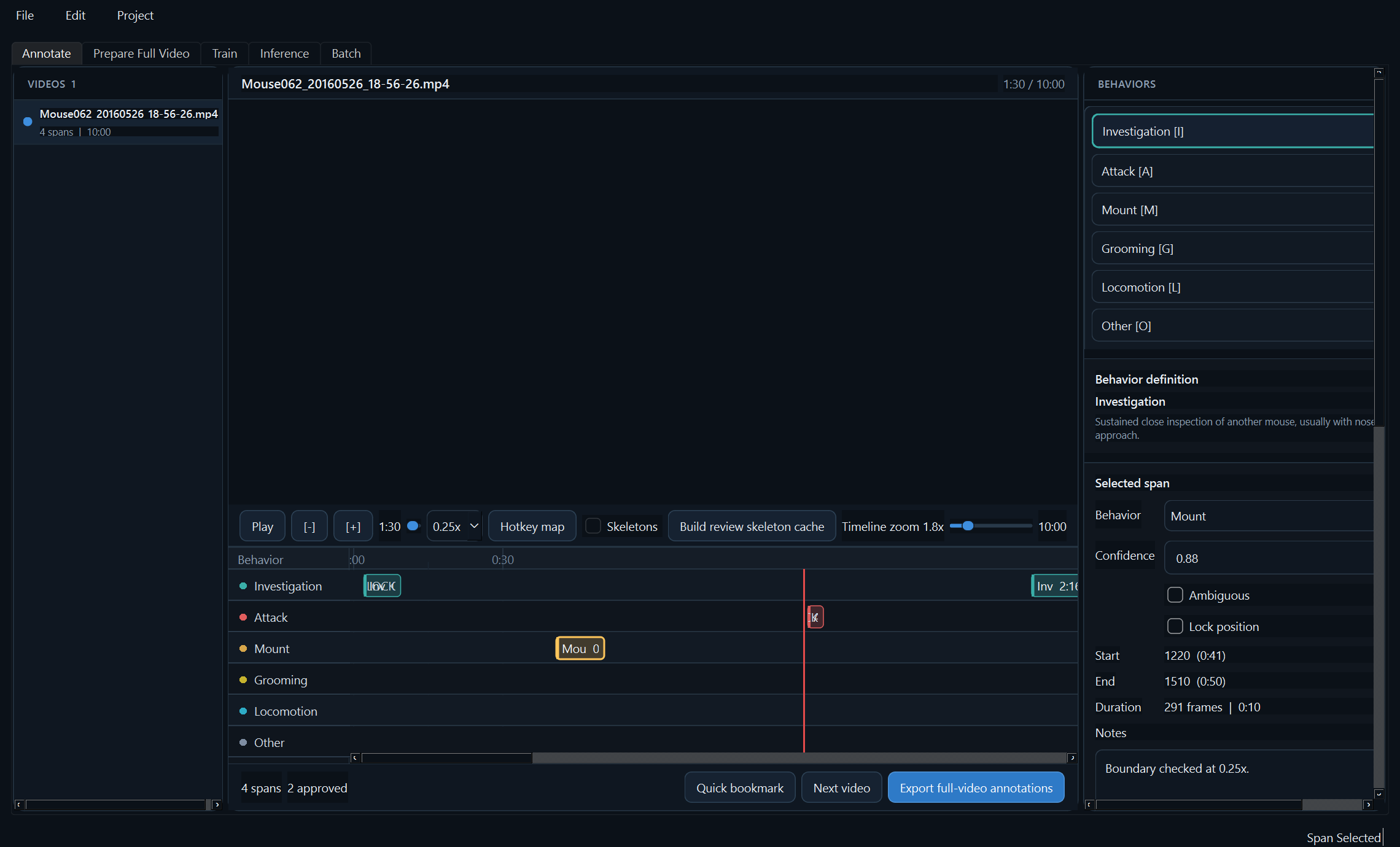
TandemYTC workspace
Shows full-video behavior annotation, timeline review, behavior hotkeys, and skeleton-cache controls for YOLO-pose temporal classifier projects.
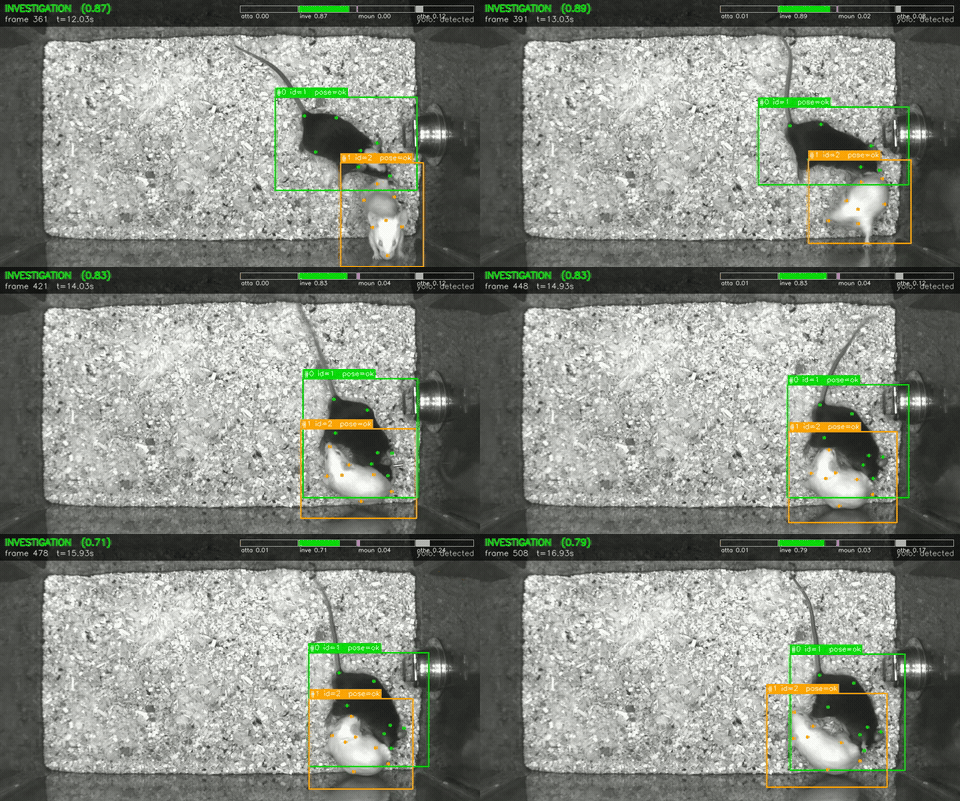
MARS investigation overlay
Shows TandemYTC-style full-video inference with behavior confidence, tracked animals, bounding boxes, and pose keypoints over MARS mouse footage.
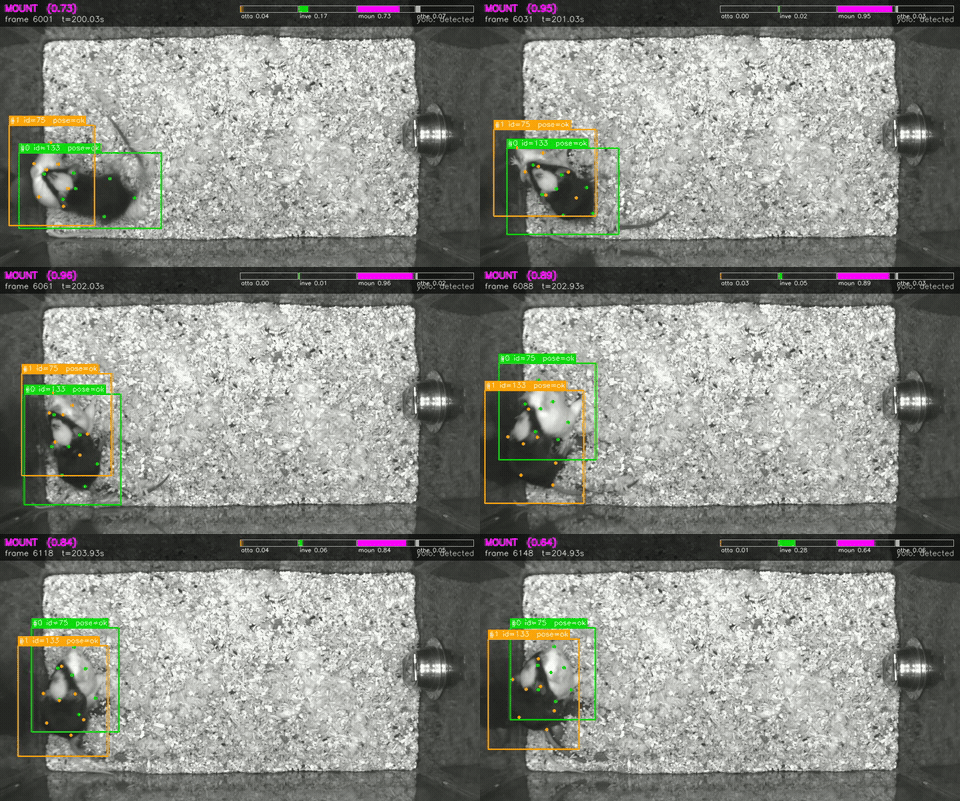
MARS mount overlay
Highlights a high-confidence mount segment with multi-animal tracks, pose points, and the live behavior probability strip visible in the frame.
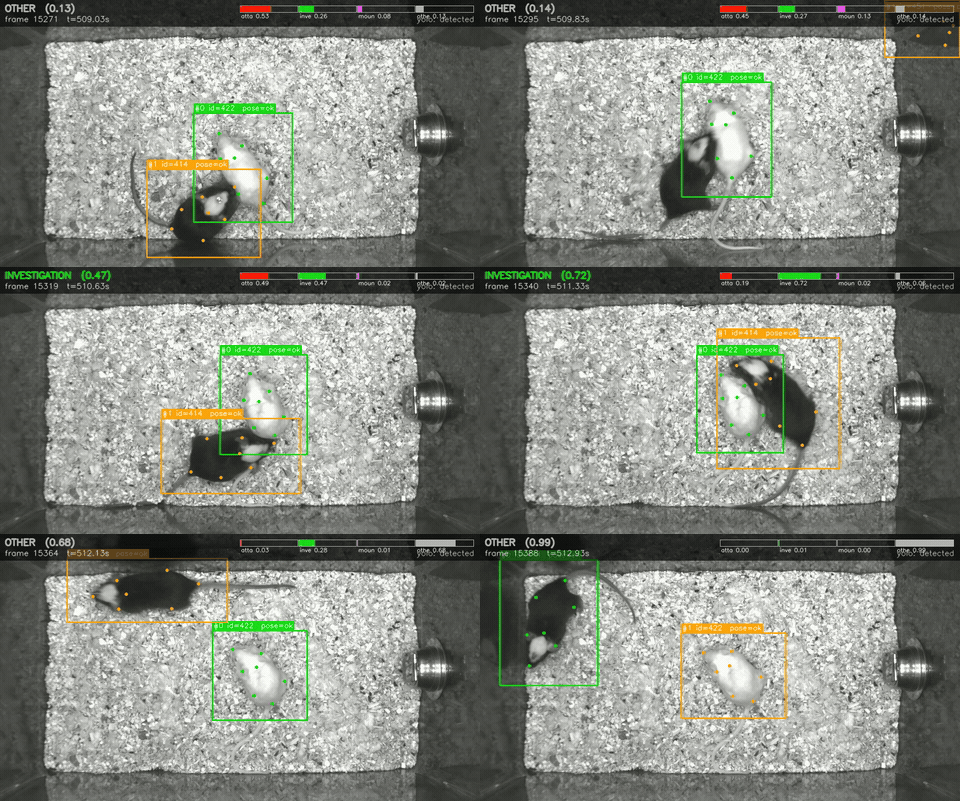
MARS contact transition
Captures a close-contact interaction where the temporal classifier probabilities shift as the animals change posture and relative position.
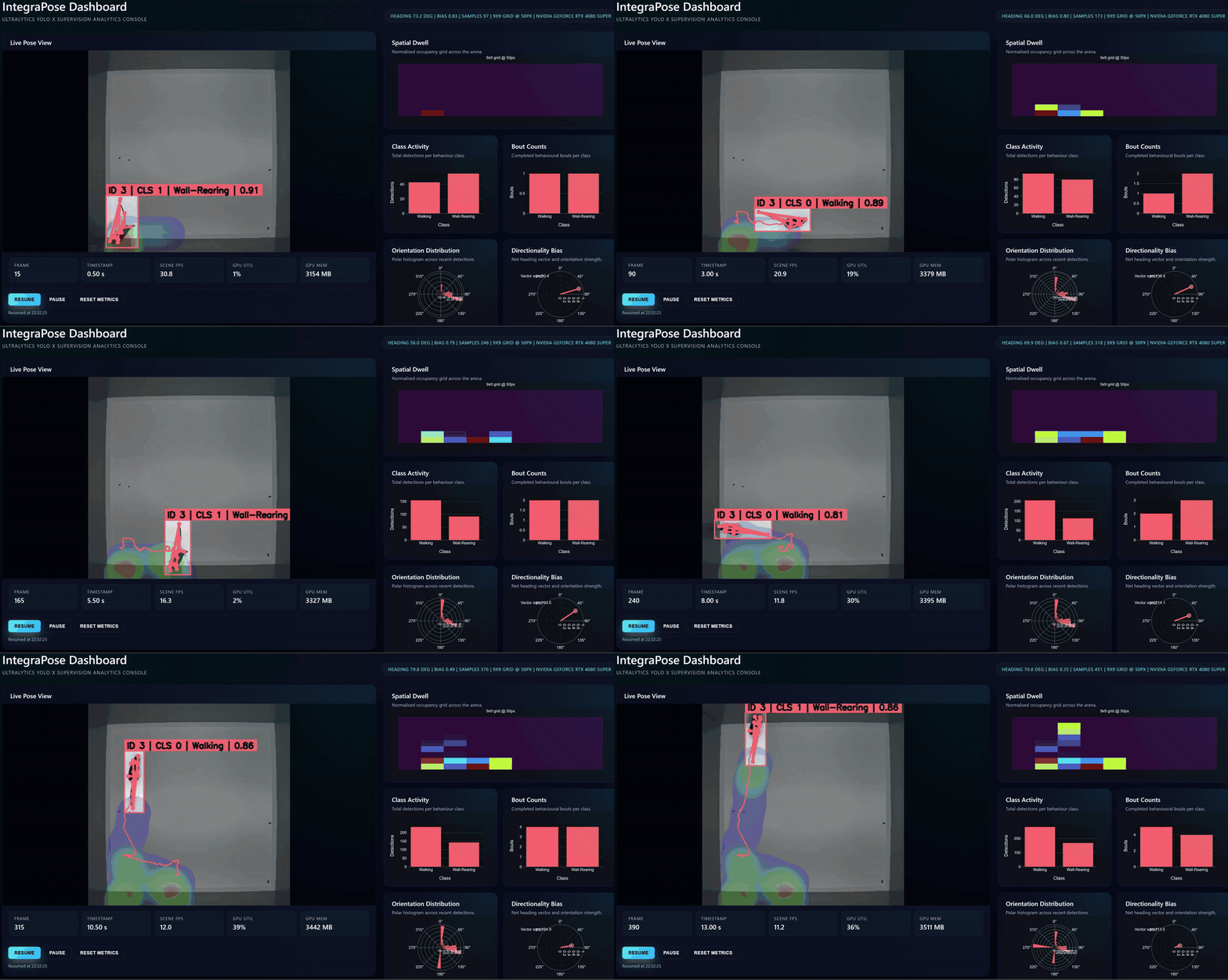
Real-time behavior demo
Illustrates overlay-driven review and immediate visual feedback during a live-style workflow.
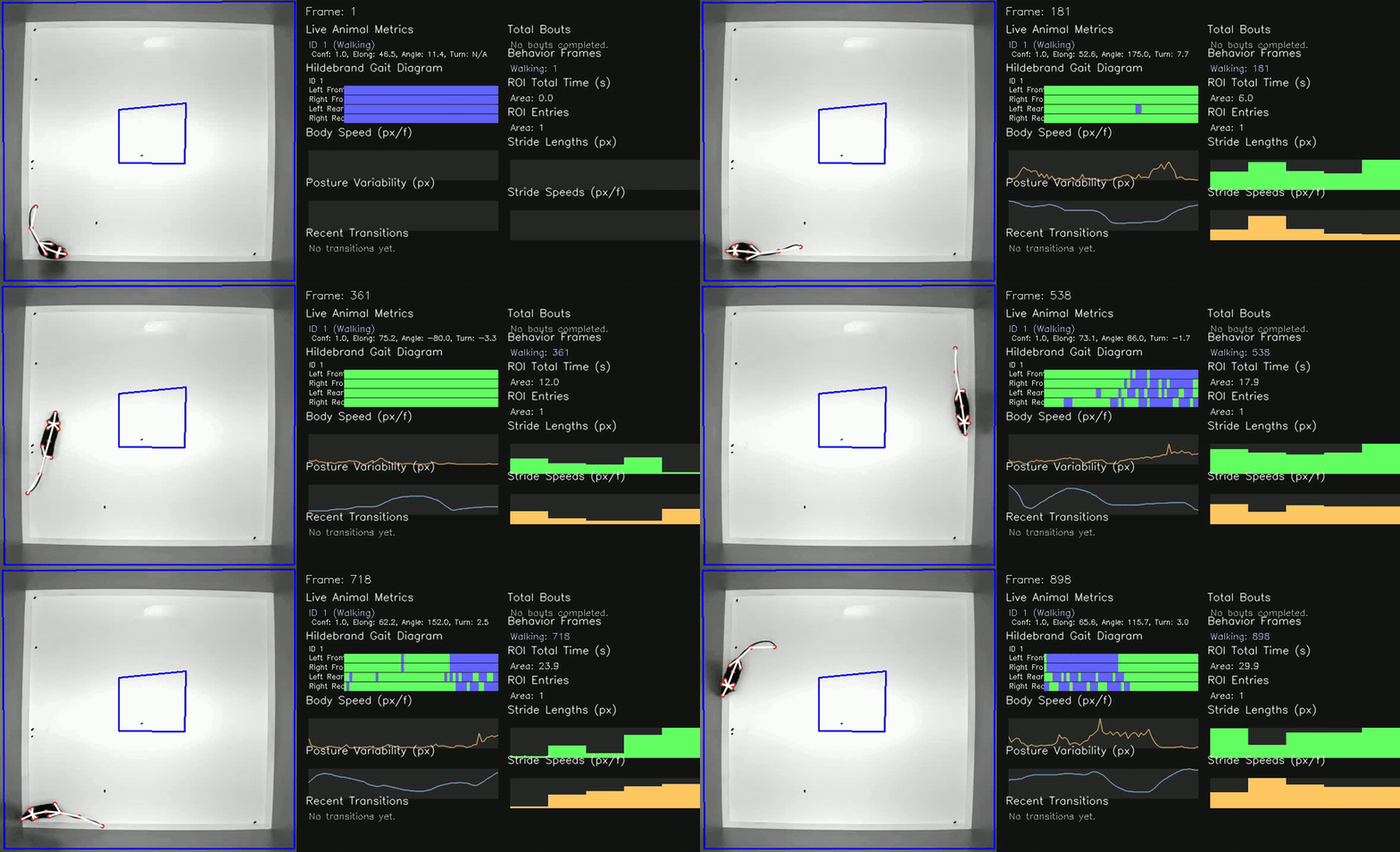
Gait dashboard sample
Shows how tracked movement can be summarized in a more interpretable dashboard view.
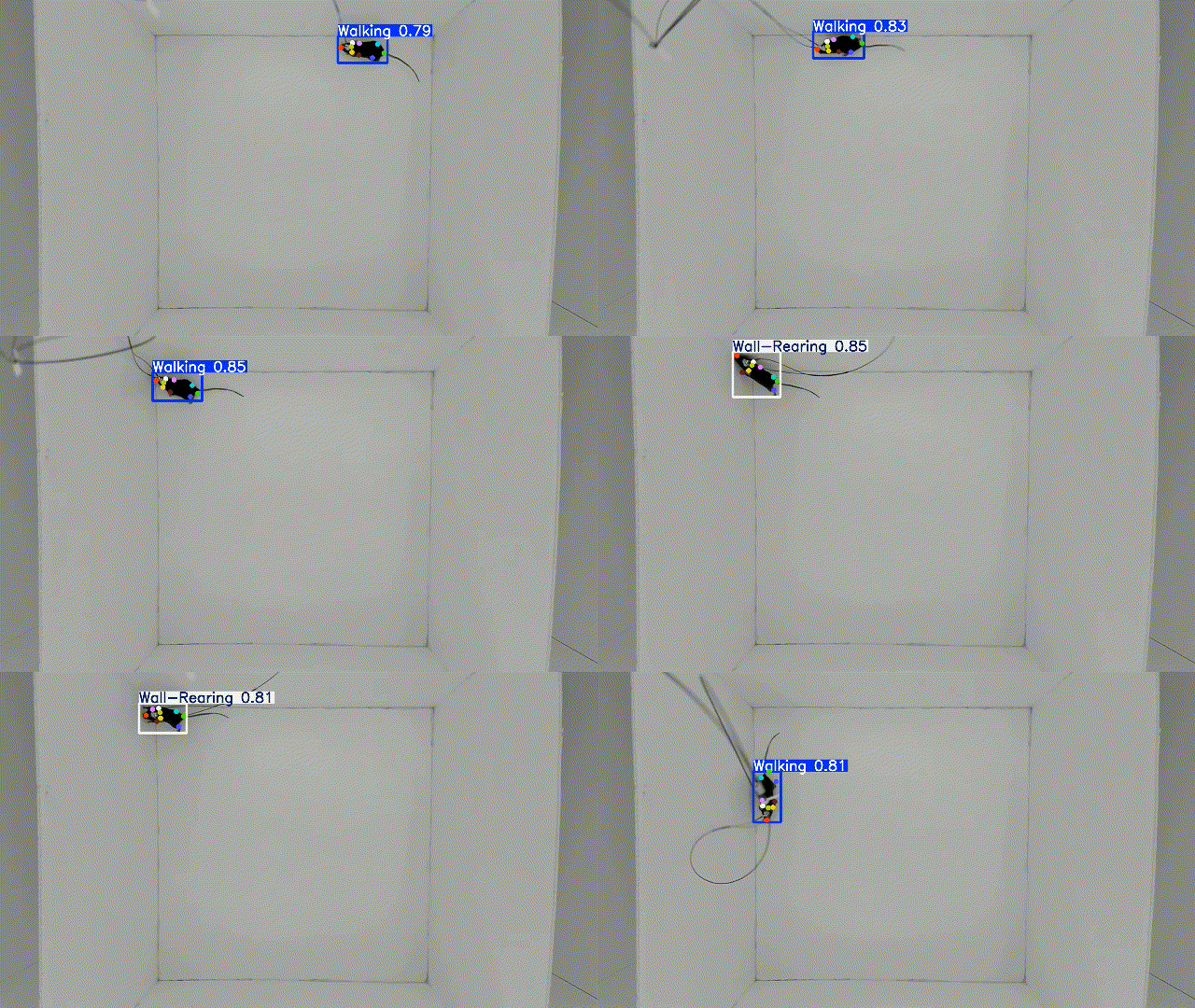
Rodent workflow sample 1
Demonstrates assay-oriented behavior analysis on experimental rodent footage.
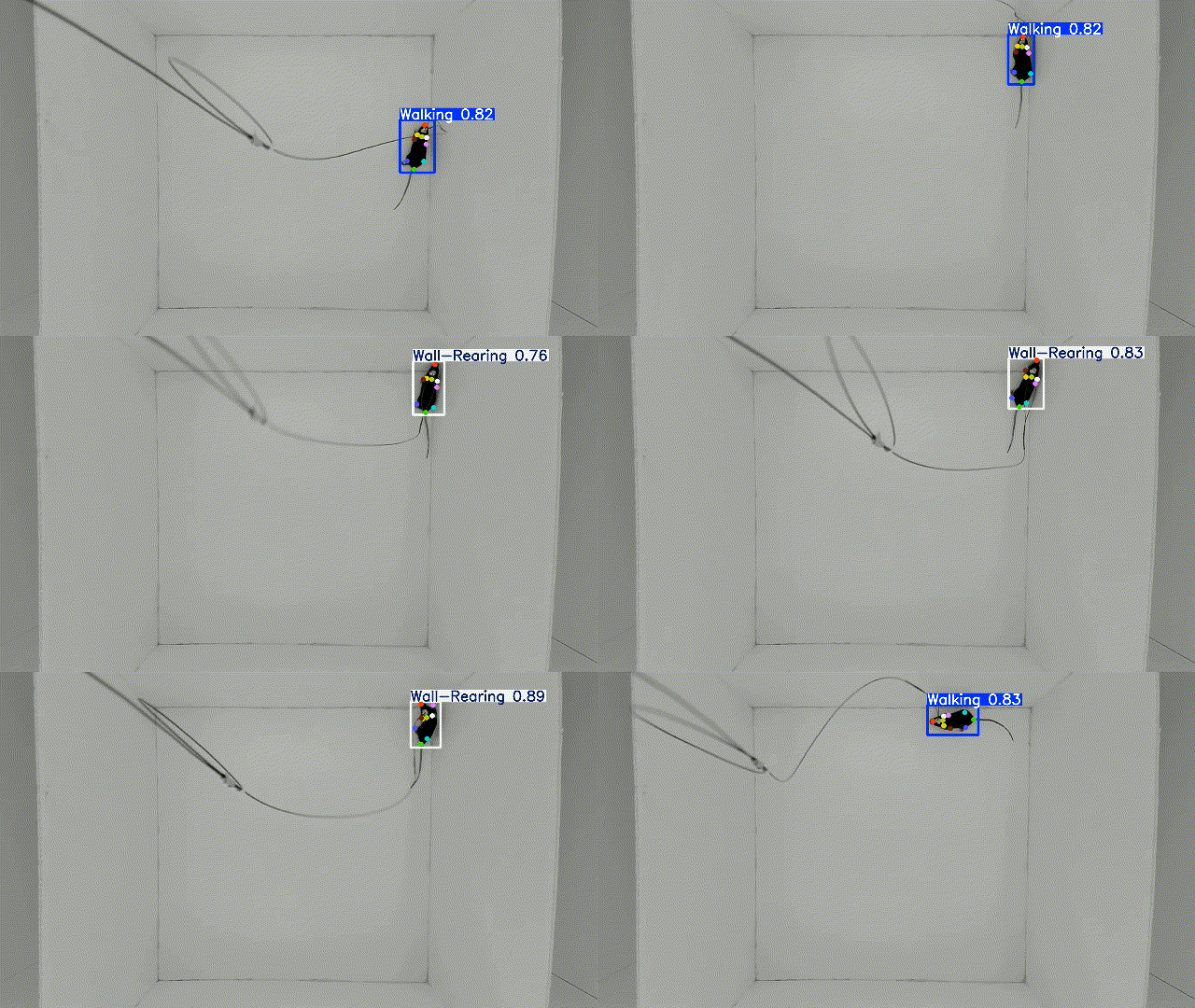
Rodent workflow sample 2
Highlights a second analysis pass in the same general family of behavioral workflows.
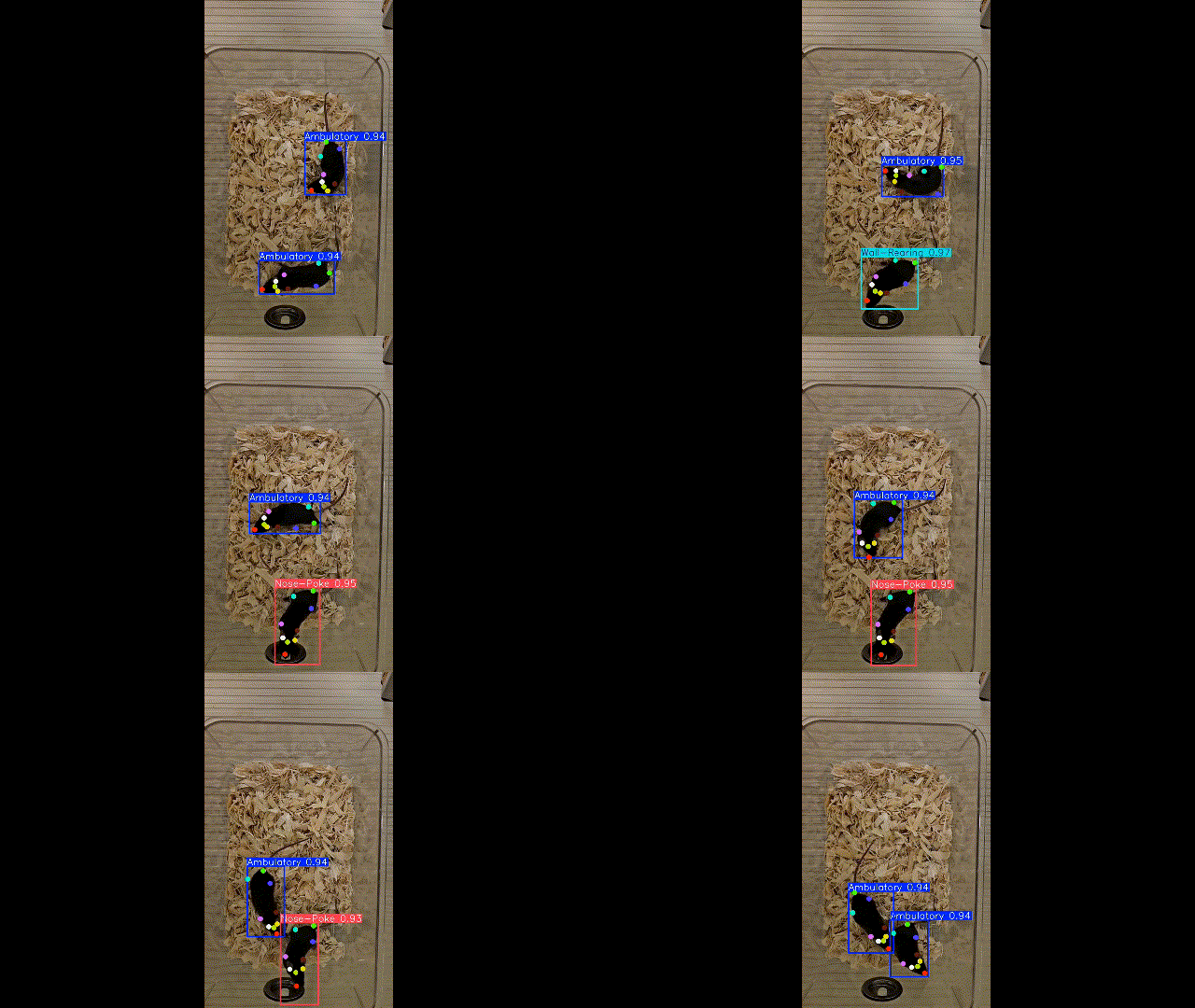
C57BL/6 example
Shows that the pipeline can be applied to common lab-animal recording scenarios.
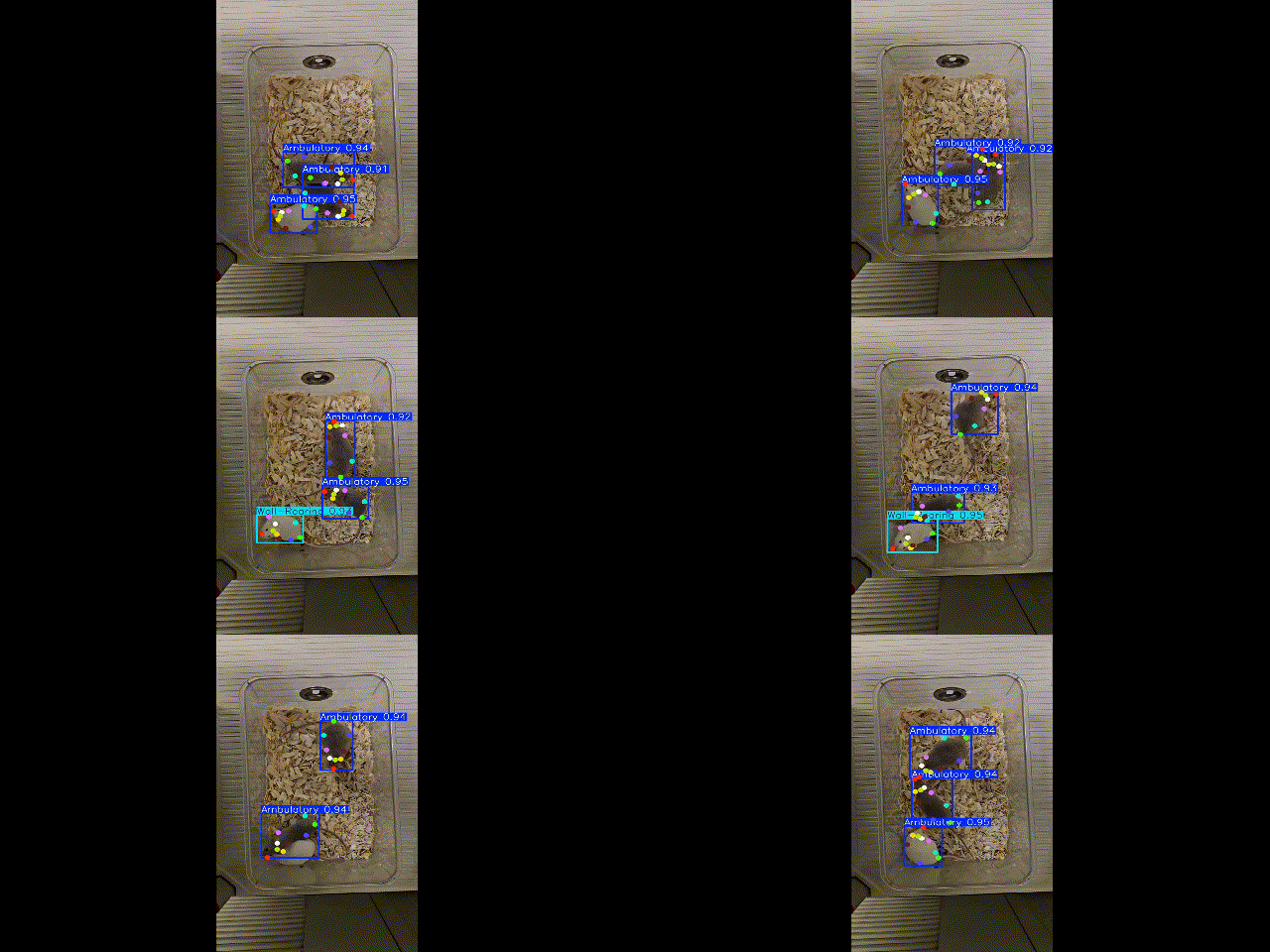
Genotype comparison context
Useful when the scientific question depends on comparing movement phenotypes between groups.
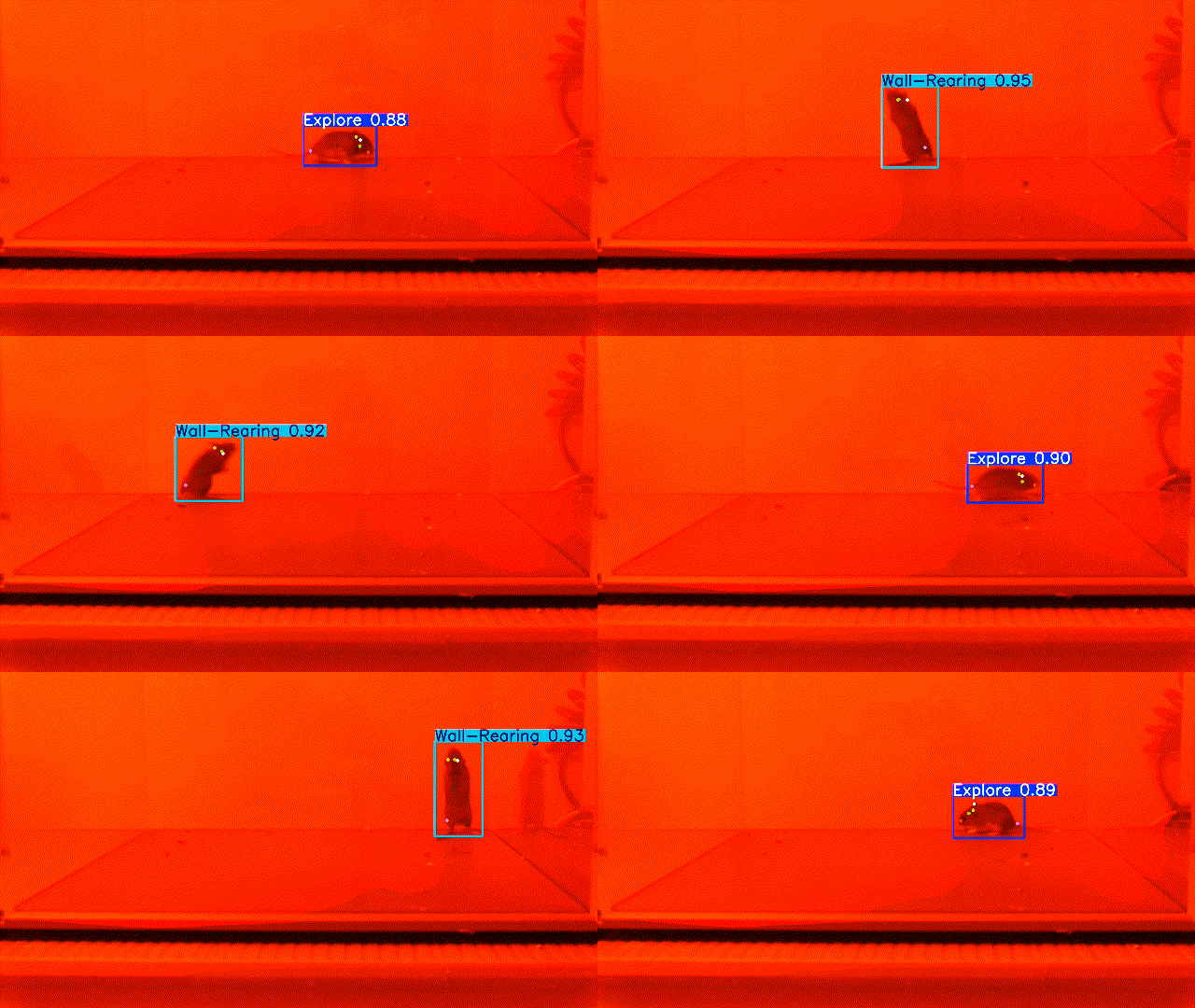
Deer mouse sample 1
Shows another assay context where the same workflow structure remains usable.
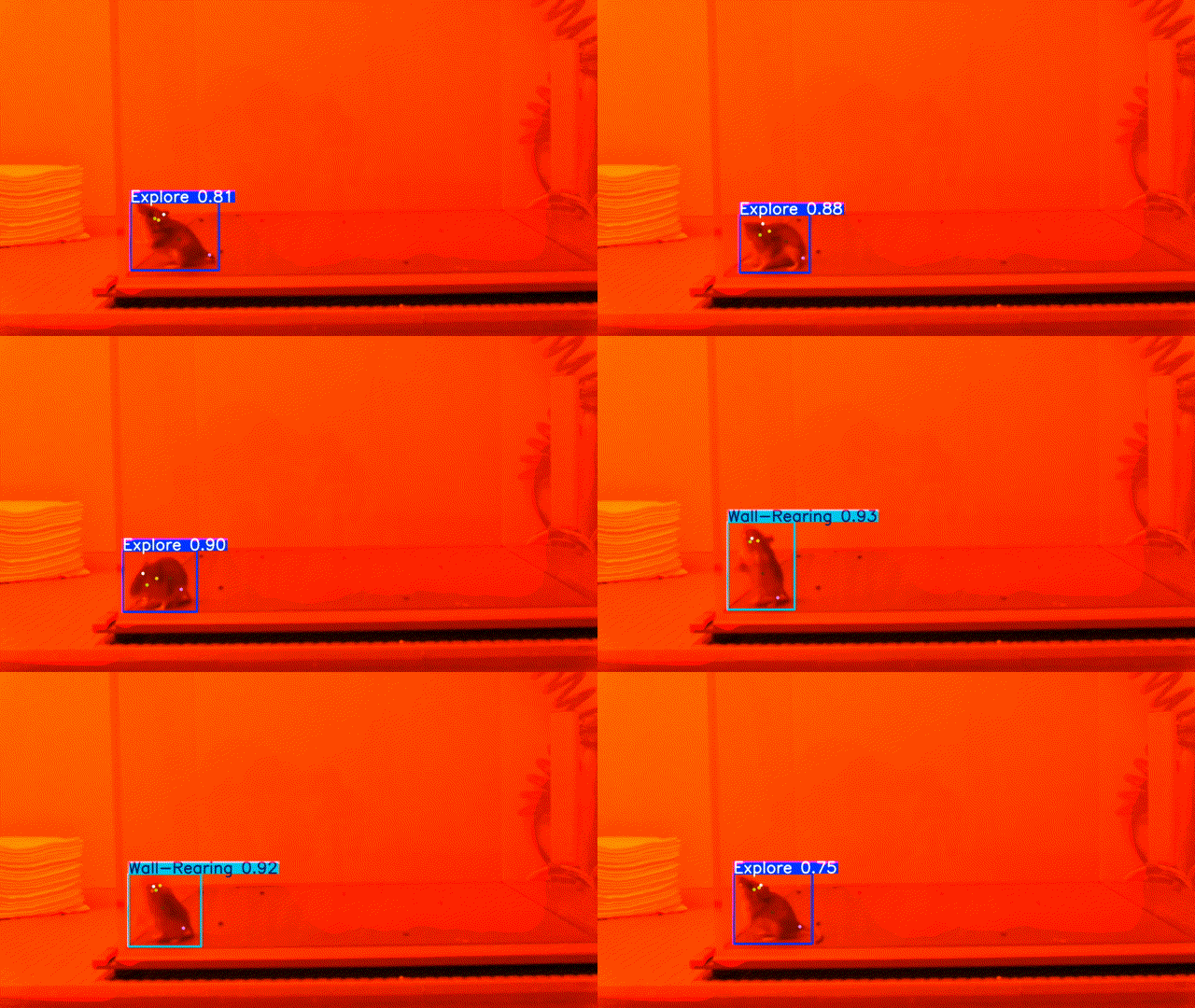
Deer mouse sample 2
Pairs with the first deer mouse sample to show a broader range of movement outcomes.
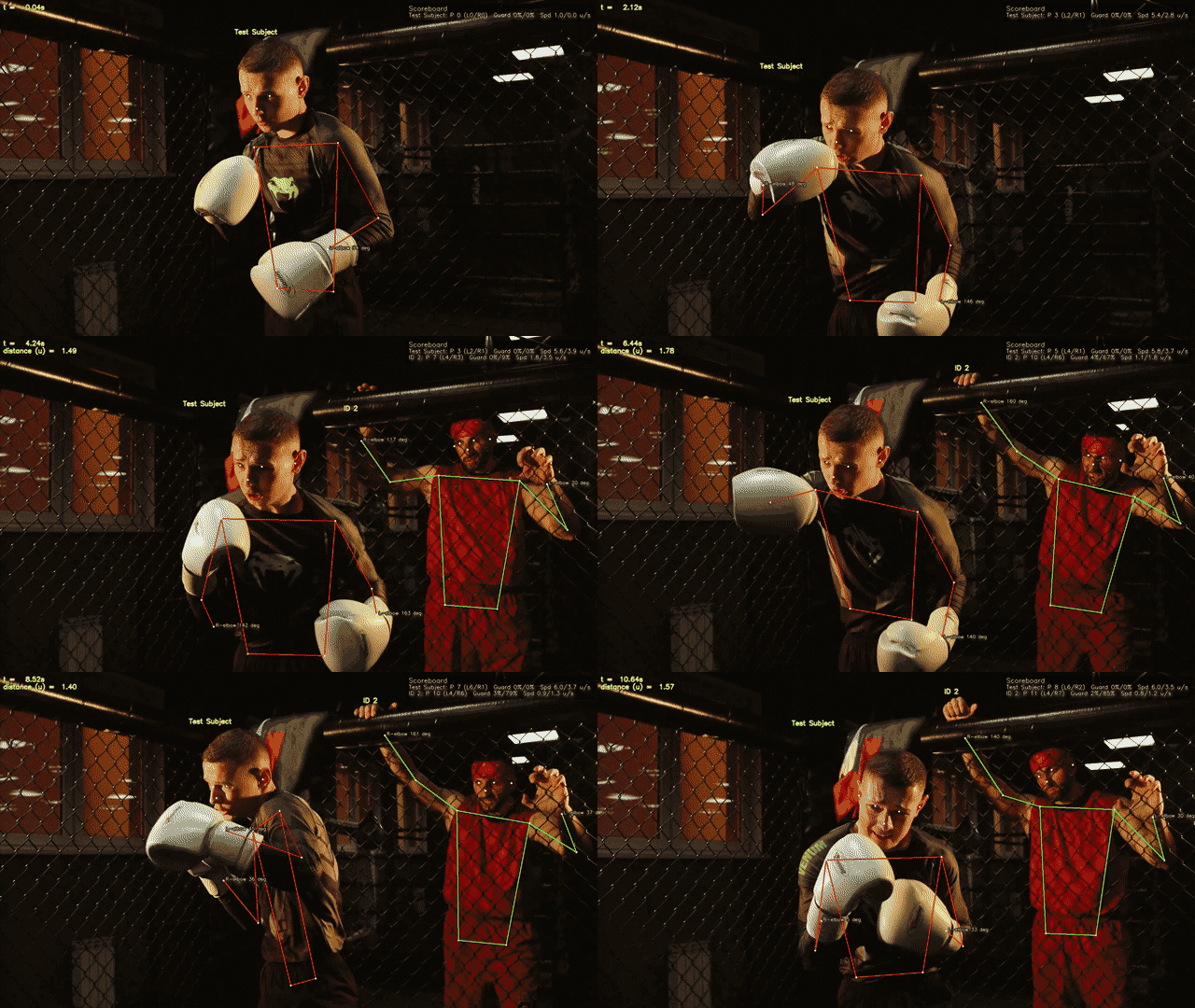
General motion context
Demonstrates that the UI pattern is not limited to a single narrow recording format.
Where To Go Next
- If you are new to the app, start with Quick Start.
- If you already have a detection model, use the Detection-Only Model Workflow.
- If you want the full pose pipeline, use the Pose Model Workflow.